[SYSTEM: INITIALIZING]

REFRACTRPRIVATE AI INFRASTRUCTURE
PROJECT BYREFACTR
BOOT PIPELINEVERIFY. ISOLATE. RUN.
  1. EnvironmentWAIT
  2. Data boundaryWAIT
  3. Model runtimeWAIT
  4. Inference pathWAIT
Refactr

Private AI should not be expensive.

Run private models on your hardware for less than public APIs cost.

Power internal AI on your hardware.

Anything your team runs against a public AI service today can run against Epsilon instead: one endpoint, on your GPUs. You bring the model and the tools; we serve it, and nothing leaves the building.

Documents

The document assistant you already use, pointed at your own model. Contracts, client files and internal documents get searched, summarized and drafted from on your hardware, with nothing sent out.
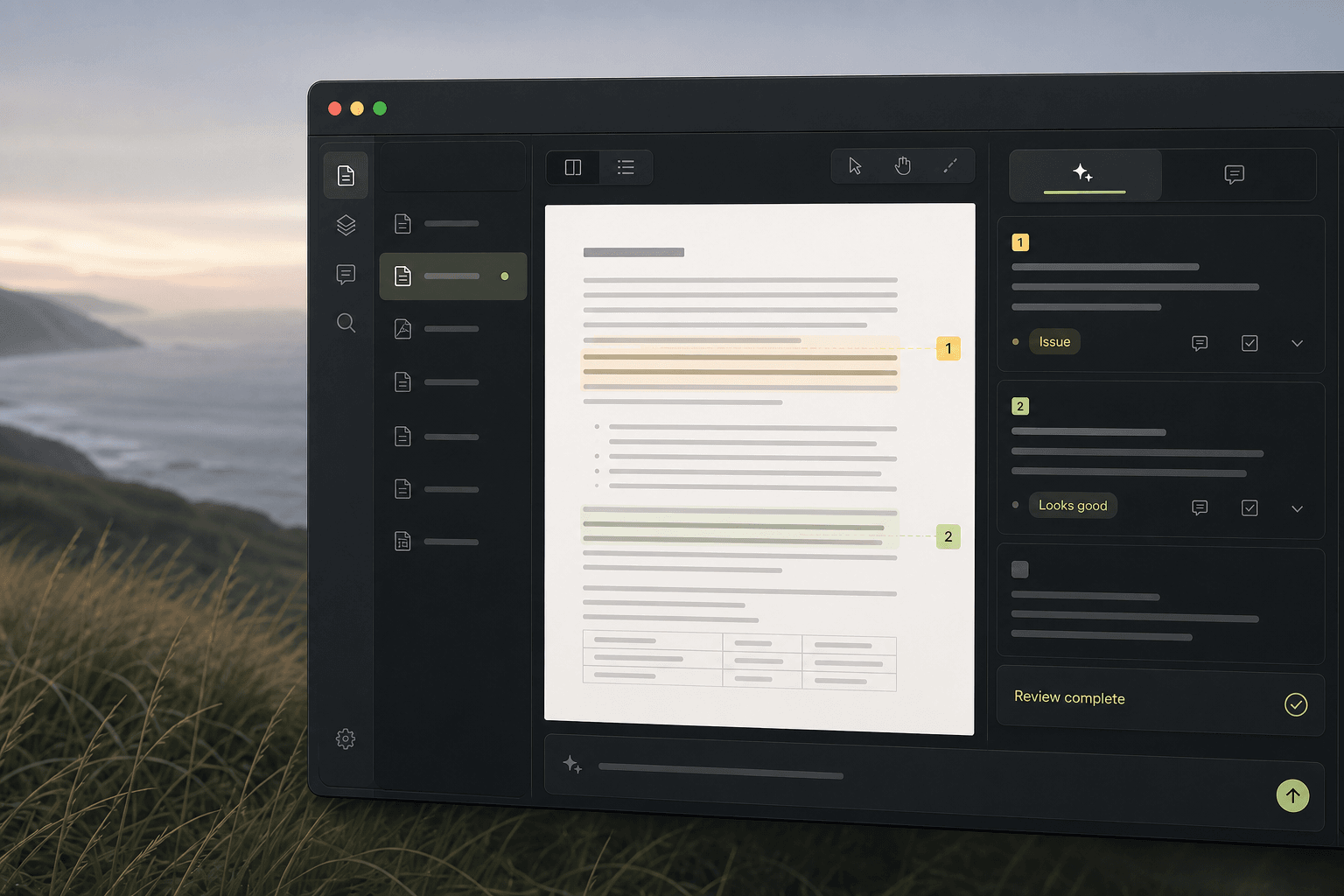
A private document workspace for reviewing approved material.

Your company stays in control.

You decide where the system runs, which model it uses, and what data it can access. Refactr deploys and maintains the serving layer so private AI costs less to run.

You set the boundaries

Choose the environment, approved data, users, and model.

Work stays inside

In a private deployment, company work stays inside the environment you choose.

Choose or fine-tune the model

Deploy a compatible open model as-is, or fine-tune one for your workflow and approved data.

Use or source the hardware

Start with the GPUs you have. Epsilon serves more work per card, so private AI costs less to run.

Refactr runs the stack

We deploy and maintain the serving layer: setup, monitoring, updates, and support. Not your models or apps.

How Refactr runs the stack

Serve more. Spend less.

Standard serving leaves GPUs waiting between requests, and that idle time is what you pay for. Epsilon is the layer that keeps them working: the same cards produce more tokens for less GPU time, measured below. All of it runs inside your environment.
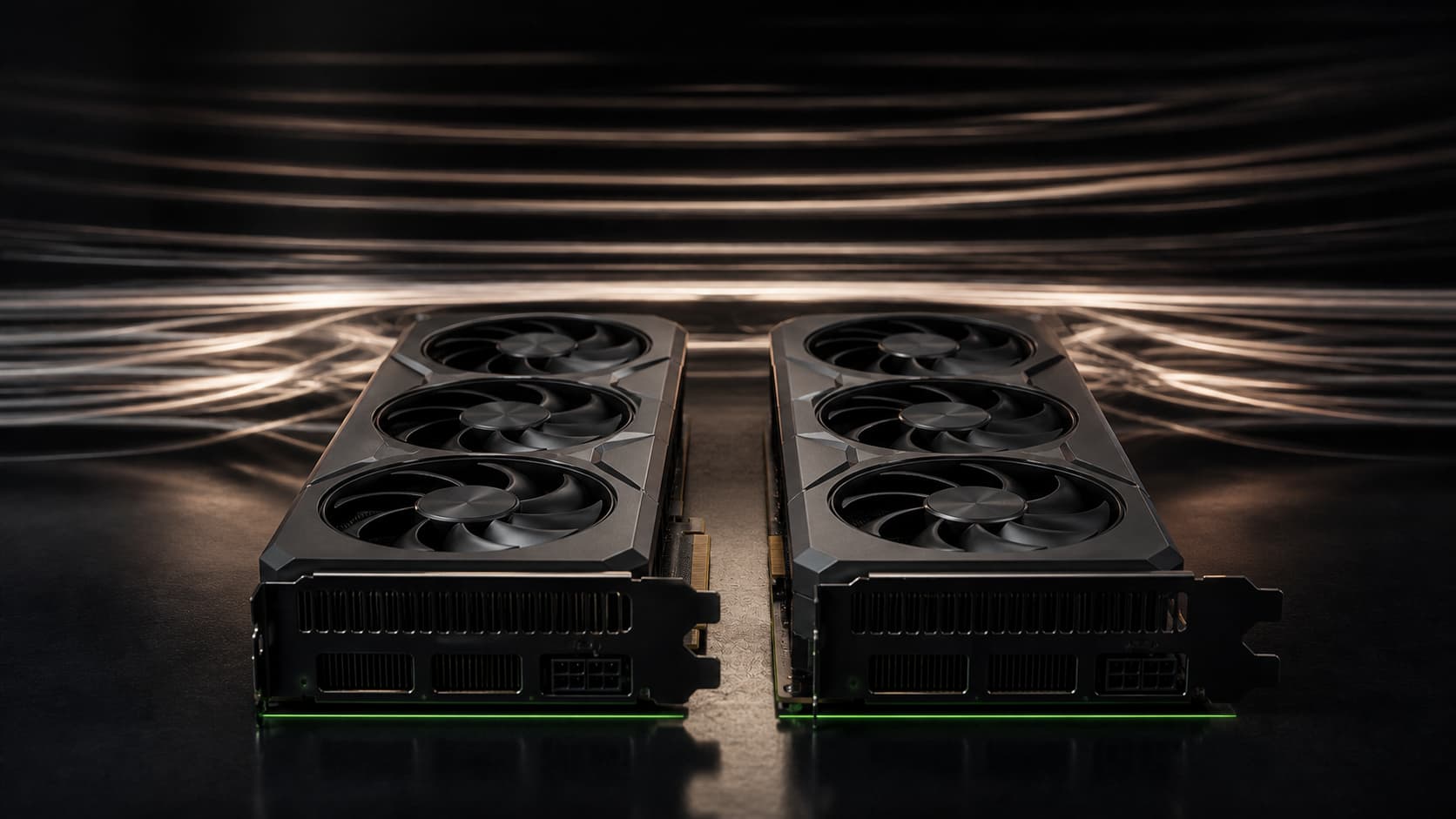
A compact inference engine connecting two local compute rails into one efficient output path.

Benchmarks

Same two RX 7900 XTX cards, same Qwen 3.8 (27B), measured under load. llama.cpp and vLLM ran bare on the cards; Epsilon ran on the same cards. Every figure below comes from those runs, so the only difference is the serving layer.

Speed when busy

Output tokens per second under busy load. Epsilon streams 27.1% faster than vLLM and 48.9% faster than llama.cpp.
  • llama.cpp
  • vLLM
  • Epsilon

Higher is better

GPU time per million tokens

GPU-hours to produce a million output tokens. Epsilon uses 21.3% less than vLLM and 32.8% less than llama.cpp.
  • llama.cpp
  • vLLM
  • Epsilon

Lower is better

Requests per second

Requests completed per second under busy load. Epsilon finishes 26% more than vLLM and 45% more than llama.cpp.
  • llama.cpp
  • vLLM
  • Epsilon

Higher is better

Throughput under load

As concurrent users increase, llama.cpp and vLLM plateau while Epsilon keeps scaling, with every request completed.
llama.cpp
vLLM
Epsilon

0% lower cost per million tokens

Epsilon needs fewer GPU-hours to produce the same output, so every million tokens costs less at any hourly rate. At $0.75 per GPU-hour that is $5.77 with Epsilon against $7.34 on vLLM and $8.59 on llama.cpp.

llama.cpp
vLLM
Epsilon

Where Epsilon fits.

There are three other ways to get AI into the company: pay a public API per token, have your own team run a model, or rent managed inference in someone else’s cloud. Epsilon is the one where the model runs on your hardware and Refactr keeps it running.

Swipe to compare systems

Compared on
Epsilon
Public AI API
DIY self-hosting
Managed cloud inference
Data stays on your hardware
YesYour servers or private cloud
NoEvery request leaves
YesIf you run it yourself
NoTheir cloud, or bring your own
Runs on GPUs you already own
YesNVIDIA or AMD, from one box
NoTheir hardware
YesYours to tune and keep up
NoRented by the hour
Operated for you
YesRefactr deploys and runs it
YesFully managed
NoYour team owns it
YesFully managed
Cost stays flat as usage grows
YesYour hardware, a quoted fee
NoPer seat or per token
YesPlus your team's time
NoPer token or per GPU-hour
Proven on your workload first
Yes14-day pilot on your GPUs
NoUsage-based from day one
PartialIf you build the harness
PartialFree credits, not your box

How we start

  1. Scope hardware and workload

    Evaluate your models, throughput goals, and the GPUs you already control.

  2. Set the private boundary

    You set environment and access. We never touch models, documents, or code.

  3. Deploy the serving layer

    Install Epsilon on your GPUs to raise throughput and cut serving cost.

  4. Measure results and decide

    Check latency, throughput, and token cost. Expand, tune, or stop.
Prove the economics first.

Setup on your GPUs in about a week. Fourteen days free, measured against what you pay today. If the numbers hold, a setup fee and a monthly fee for running it, quoted for your setup. If they do not, you stop.

Request a demo

FAQ